Country or Region Clues
For broad searches like where is this place country name, the tool looks at language, road signs, landscape, vegetation, license plates, and architecture to narrow the likely country or region.
Upload a picture to find a likely place. The AI image location finder reads landmarks, buildings, signs, terrain, coastlines, and street details, then gives you clues to verify a country, city, landmark, or area.


or drop a file, Ctrl + V to paste image
See how our AI identifies where a photo is from using recognizable landmarks and visual clues
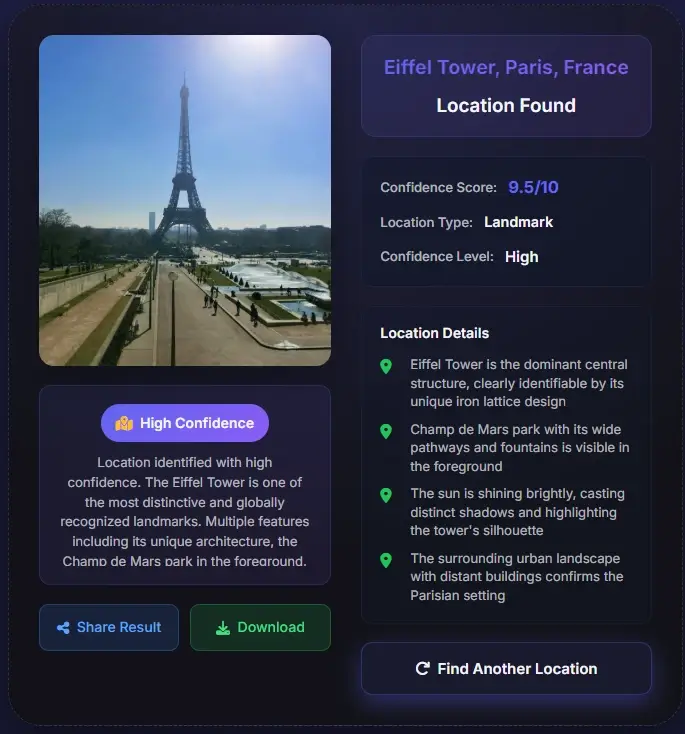
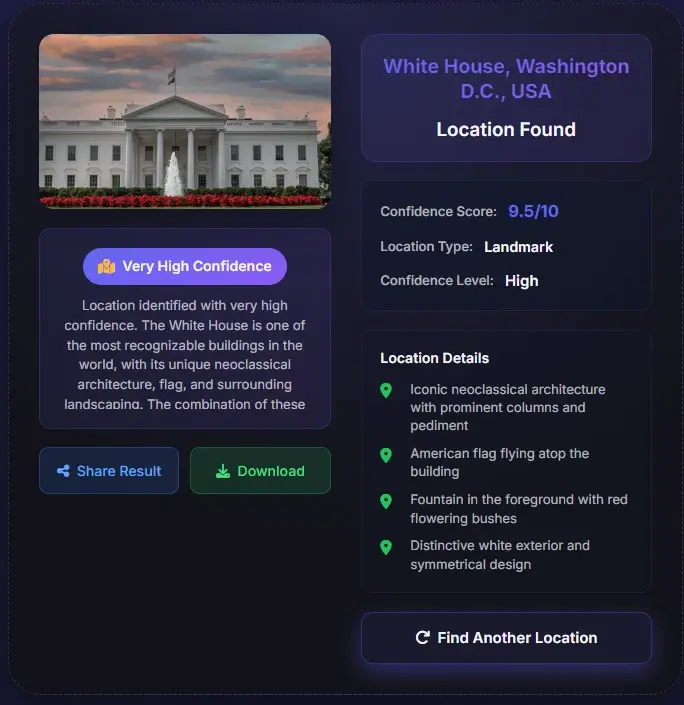
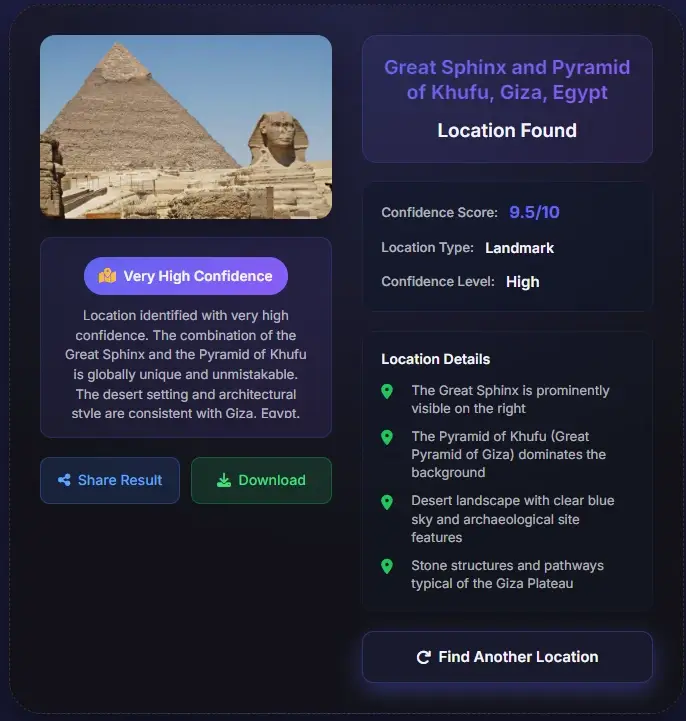
Use it when the image has visible context, even if the file has no caption, GPS, or EXIF metadata.
For broad searches like where is this place country name, the tool looks at language, road signs, landscape, vegetation, license plates, and architecture to narrow the likely country or region.
For city photos, it compares skylines, monuments, storefronts, road layouts, transit signs, and building styles to suggest a likely place you can verify on a map.
Social screenshots and saved images often lose metadata. This page focuses on visible evidence so you can still ask what is this place or where is this picture from without the original file.
Choose a travel photo, screenshot, social image, or mystery picture. Wider scenes with signs, buildings, roads, coastlines, mountains, or skyline details usually produce stronger location matches.
The tool checks landmarks, architecture, text, terrain, vegetation, road markings, and regional signals to estimate a country, city, landmark, street area, or broader region.
Review the likely place name, confidence level, and supporting clues. Then compare the result with maps, Street View, official landmark photos, or other sources before relying on it for research, travel, or verification.
A photo location result is strongest when several independent clues point to the same place.
| Signal to check | What it can confirm | When to be cautious |
|---|---|---|
| Landmarks and skyline | Famous buildings, bridges, towers, mountains, or coastlines can confirm a city or landmark-level match. | Lookalike landmarks and tourist replicas can mislead the result. |
| Language and signs | Street signs, shop names, road shields, and transit labels can narrow the country, region, or neighborhood. | Blurred text, mirrored screenshots, and cropped signs should be treated as weak evidence. |
| Map geometry | Road curves, bridges, shorelines, plazas, and building spacing can be compared against map or Street View evidence. | Generic streets or indoor images may only support a broad region, not an exact address. |
Use this tool when you want to find location from photo, find location from image, or search a picture for a likely place. It analyzes visible evidence such as landmarks, building styles, signs, terrain, coastlines, and recognizable street details.
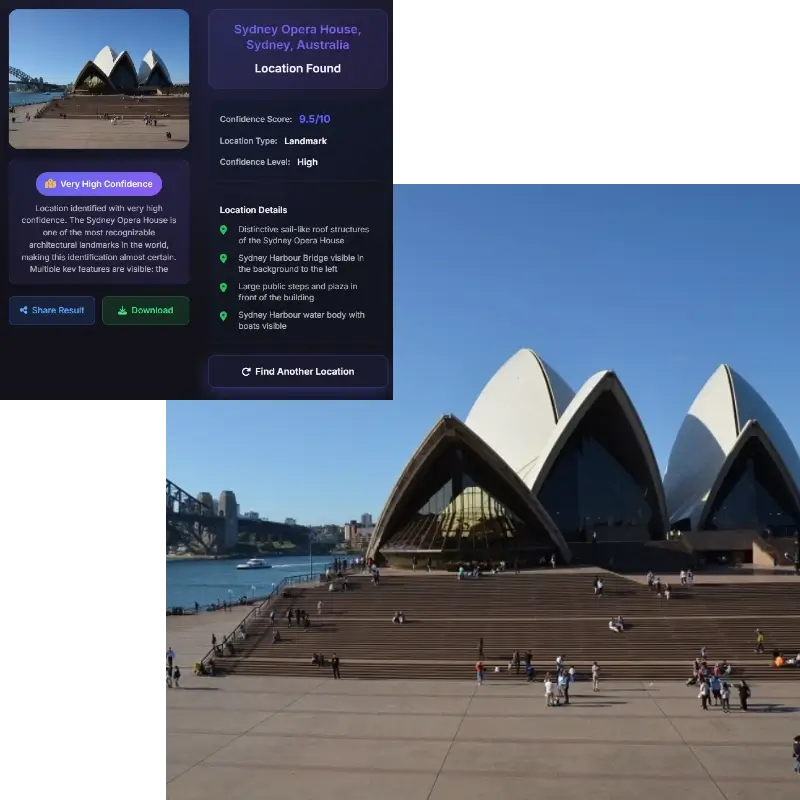
The system works on more than famous attractions. It can also help with streetscapes, skylines, mountains, beaches, villages, monuments, and city scenes when the image contains enough context. Use it to identify location from photo for travel research, fact-checking, content sourcing, or curiosity.
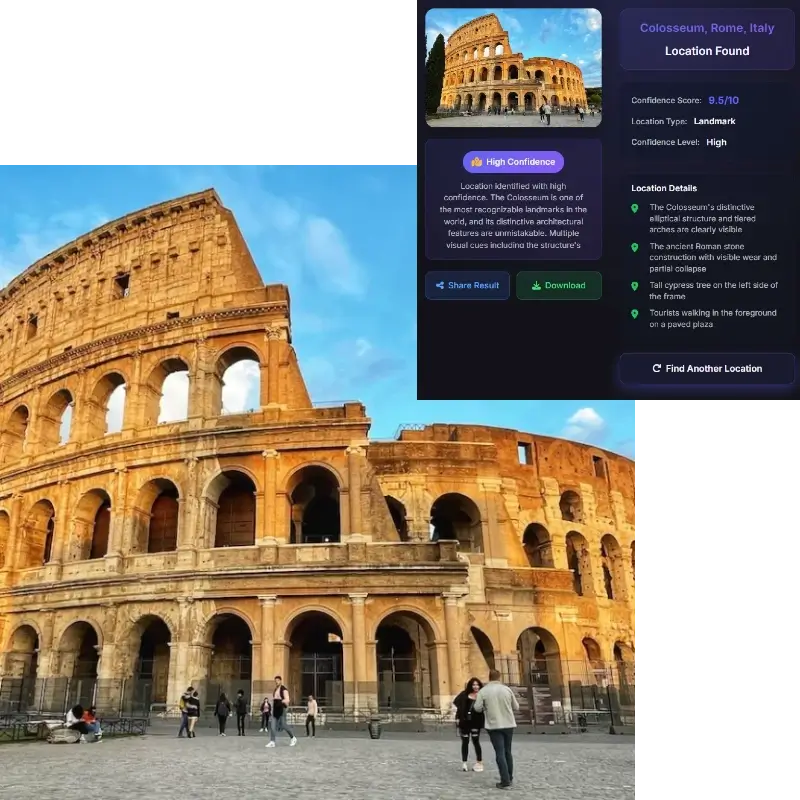
Screenshots, reposts, and downloaded images often have no GPS or usable EXIF. This image location search focuses on the scene itself, so you can still estimate where the picture is from and verify the result on a map.
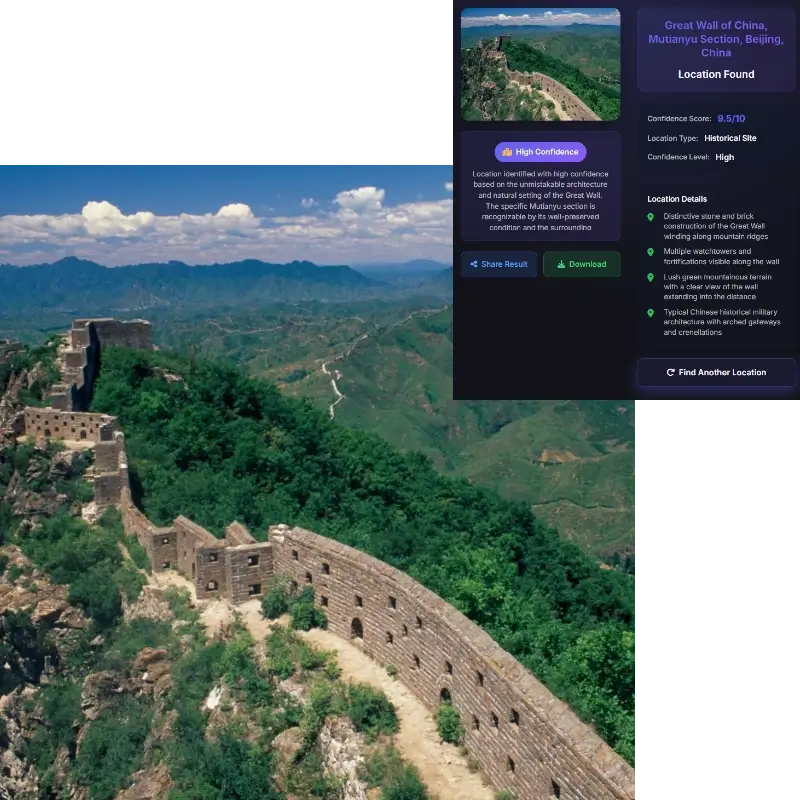
Instead of only returning a name, the tool explains the likely match with supporting context. You can review the suggested place, region, confidence level, and clue list, then use those details to verify the result on a map or compare against official landmark references.
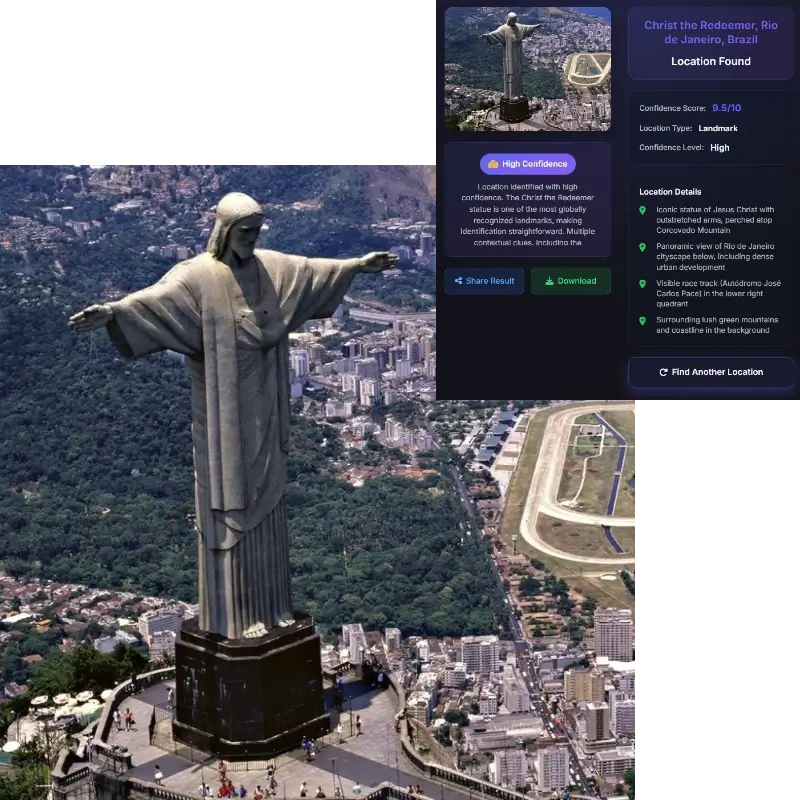
Use this AI location finder to identify places from travel inspiration, verify where a screenshot was taken, research destination names, or solve a mystery image. It gives you a fast first answer and a practical path for follow-up verification.
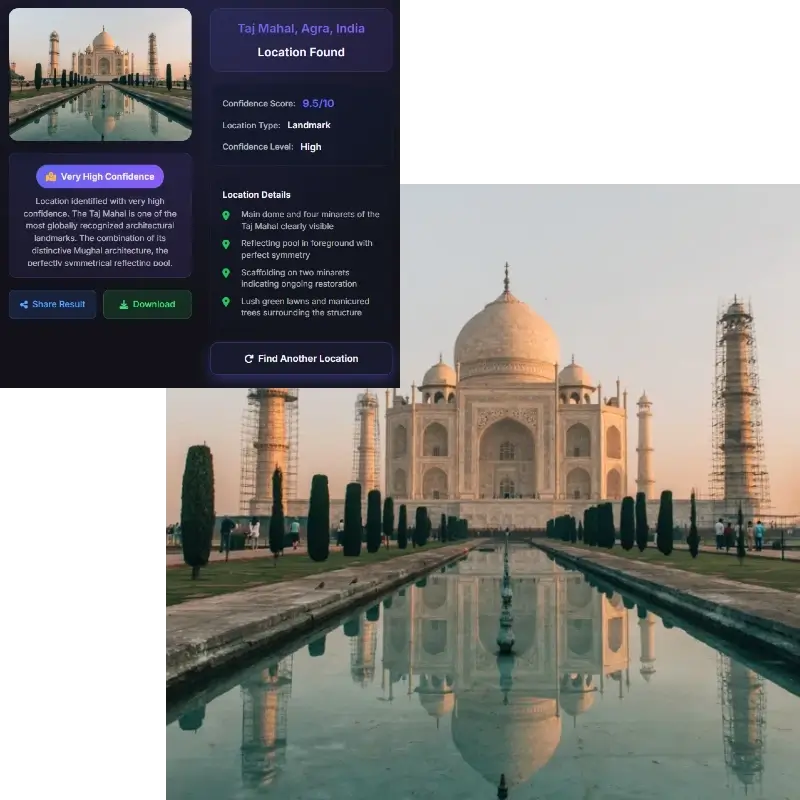
Upload the clearest image you have. The image location finder checks landmarks, signs, architecture, terrain, vegetation, and road details, then returns a likely place with clues you can compare against maps or official photos.
Often, yes, if the image has useful regional clues. Signs, license plates, road markings, vegetation, landscape, and building styles can point to a likely country or region. Very generic indoor or close-up images may not be enough.
Yes. The tool reads visible scene evidence rather than relying only on metadata. Clear landmarks, signs, skylines, roads, coastlines, and distinctive architecture usually provide the strongest clues.
Yes. Missing metadata is common for screenshots, social posts, and downloaded images. The tool can still analyze visible evidence, but you should treat the result as a likely match and verify it with maps or other sources.
Wide outdoor scenes, landmarks, storefronts, road signs, transit stations, skylines, beaches, mountains, and distinctive architecture usually work best. Blurry close-ups, blank walls, food photos, or heavily cropped images are harder to place.
Sometimes it can suggest a specific landmark or street area, but exact addresses require strong visual evidence. For privacy and accuracy, use the result as a lead and confirm it with public map evidence before relying on it.
Yes. Screenshots and reposted images often lose GPS data, so visible clues become the main evidence. The more surrounding context the screenshot shows, the better the location estimate will be.
No single AI result should be treated as proof. Use the suggested place, confidence level, and clue list as a starting point, then cross-check with maps, official sources, or multiple independent references.